Works offline
Your pet, animations and reminders never need the internet. AI is optional and uses your own key.

Animated pets that live right on your desktop. Drag them around, set reminders, or press ⌘K to ask them anything.
How it works
Grab the DMG and drag Mischi into Applications. It’s signed and notarised by Apple, so it opens like any other app.
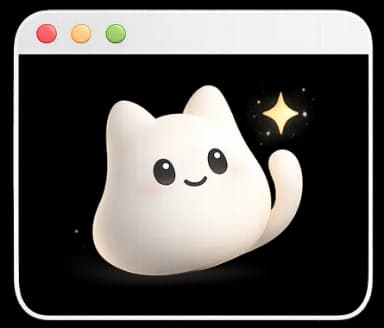
A pet is already waiting on your desktop, in a transparent window that never blocks your work. Drag it anywhere you like.
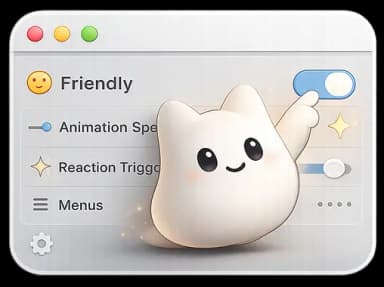
Import Codex pets or your own, name animations, set reminders, and add a Groq key to chat with ⌘K.
What it does
Mischi isn’t just decoration. Strike up a conversation and your pet replies in its own chat bubble, right there on your desktop. No window to open, no tab to find.
Under the hood
Your pet, animations and reminders never need the internet. AI is optional and uses your own key.
Once, daily, weekly or on any interval, delivered by your pet in a chat bubble.
Talk instead of type.
Zero analytics or crash-reporting SDKs in the app.
The same pet format as OpenAI Codex. Import a folder, a .zip, or everything in ~/.codex/pets.
Built in Swift, signed and notarised by Apple.
For creators
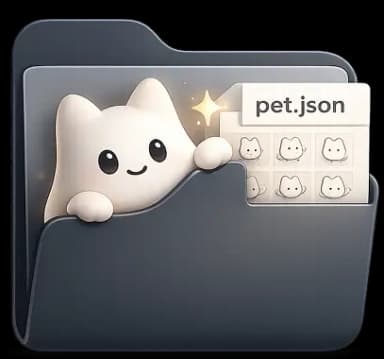
A pet is just a sprite sheet and a small pet.json, the same format OpenAI Codex uses. Draw one frame by frame, or describe it to Codex and bring the result into Mischi with Scan Codex.
{ "id": "mochi", "spritesheetPath": "spritesheet.webp" }Download · free beta
Signed and notarised by Apple, so it installs like any other Mac app.
6cd10aa4d369d4dd0e05278c16e0ebac2a585971502c5f98c9cd5cae96198895FAQ
Everything you might want to know before installing.
Yes. Mischi is free to download and use, with no accounts and no subscriptions. If you turn on the AI features with your own Groq API key, Groq’s pricing applies to that usage, and Groq has a free tier.
Download the DMG, open it, and drag Mischi into your Applications folder. It’s signed and notarised by Apple, so it opens without warnings. Mischi lives in your menu bar rather than the Dock. The docs have the full walkthrough.
No account is needed. Your pet, animations, reminders and settings work offline. From version 0.9.12, the app checks mischi.app for new releases; turn off automatic checks in Preferences → About if you prefer. Optional AI features send requests directly from your Mac to Groq using your own API key.
Bring your own Groq key: paste it in Preferences → Advanced, pick a model, and hit Test. Then press ⌘K, or ⌘-double-click your pet, to ask Mischi anything. It can set reminders, take screenshots, read your clipboard, save notes, and open apps or websites. Your key is kept in the macOS Keychain.
No. Mischi, the cream cat, is the one pet that comes built in, but you can have as many as you like. You can pick from a few ready-made pets on the pets page, import a pet folder or .zip from the menu bar menu, scan ~/.codex/pets, or draw your own. Switch between them anytime from Library.
Yes. Mischi uses the same pet format as OpenAI Codex. Click Scan Codex in Preferences → Pet and any pets in ~/.codex/pets are added to your library. The originals are never modified.
The app has no analytics, crash reporting or usage telemetry. It stores pets, notes and settings locally; optional AI features may send relevant content to Groq. Release checks expose connection information to our hosting provider and can be disabled in Preferences → About. Website analytics run only after you allow them, and you can turn them off in Privacy settings. We also process information you send through our forms. See the Privacy Policy for details.
Mischi works, and we use it every day, but it’s young. Expect frequent updates and the occasional rough edge. If something breaks, the Report it button in Preferences → About opens our contact page with your version already filled in.
Mischi is a Universal app for macOS 13 (Ventura) and later. It runs natively on Apple Silicon (M-series) and on Intel Macs.
Yes. A pet is a folder with a pet.json and a 1536×1872 spritesheet: an 8×9 grid of 192×208 frames. Draw one yourself, or have Codex hatch one from a description or a photo. The creator guide in the docs walks through both.
On your Mac. Pets live in ~/Library/Application Support/mischi/Pets, settings in Mischi’s macOS preferences, and your Groq key in the Keychain. Each pet is a self-contained folder you can copy, back up or share. The docs explain how to reset everything.
First check Window level in Preferences → Window. Desktop tucks the pet behind every window, full-screen apps included, so set it to Floating or Always on Top. Next, open the menu bar menu: if it says Show Pet, the pet is hidden, so click it. If the pet still doesn’t appear over a particular full-screen app, fill the screen without full screen instead (hold Option and click the green window button), and tell us which app on the contact page so we can look into it.
Not today. Mischi relies on macOS-specific window behavior: transparent always-on-top overlays that work across Spaces and full-screen apps. A Windows port is something we’re exploring. iOS isn’t on the roadmap, since the sandbox model doesn’t allow desktop pets.